
Photo to rap video
Turn a photo into a rap video
One clear selfie in, a 15-second lip-synced rap clip out. Drop the photo below; 100 credits a clip, shown before anything renders.
The Check One Check Two–style look
Mic Check Street Rap · 1 photo(s) · 15s · 9:16
Trends checked Oct 25
1Your photo
Selfie already on this phone? Tap the box to pick from your camera roll. On a computer, scan a QR instead.
2Stage
3Sound
By generating, you confirm you are 18+ and everyone in the photo is an adult who agreed to this use.
Add your selfie to continue
Watermarked preview first · failed renders refund credits · clean MP4 from $9.90
- Credits shown before you generate
- Failed renders refund automatically
- No watermark once unlocked
Original GoAIRap demos: fictional adults, original AI rap audio. “-style” names describe the look only — no affiliation with the trends or their music. Watermarked previews are free to watch; the clean MP4 needs purchased credits.
How it works
One photo in. A rapping clip out.
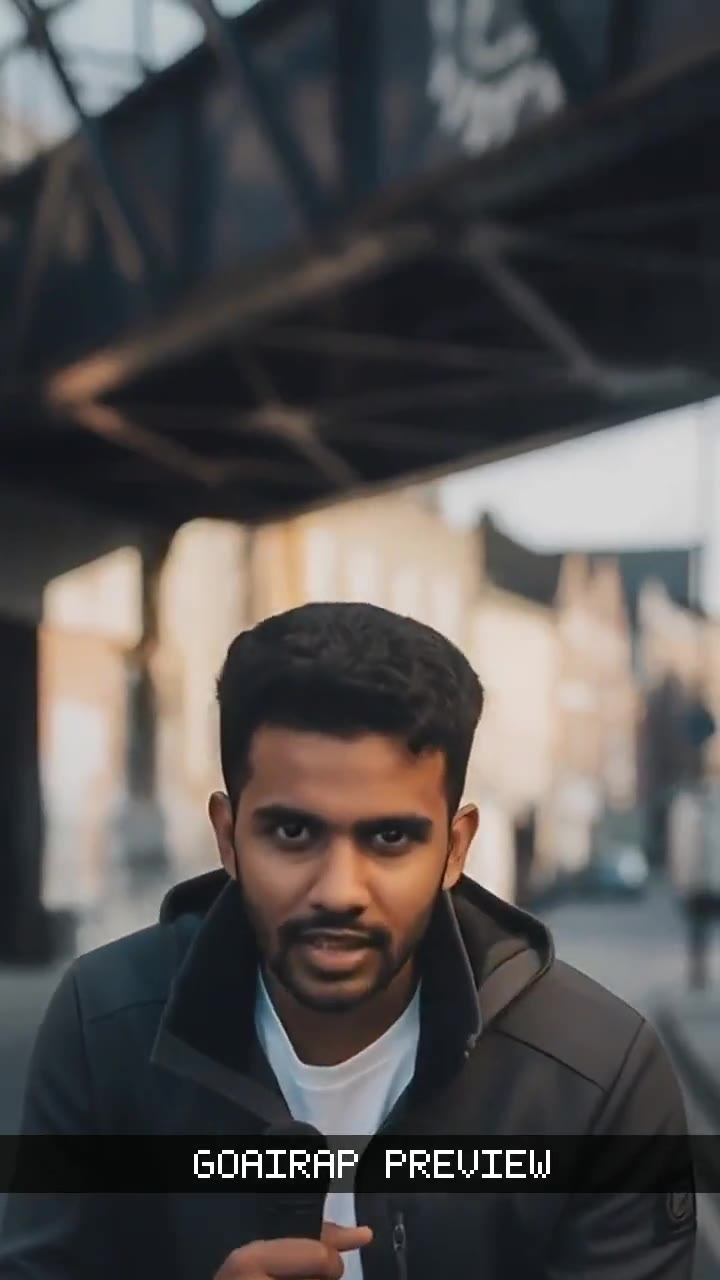 YOUR PHOTO
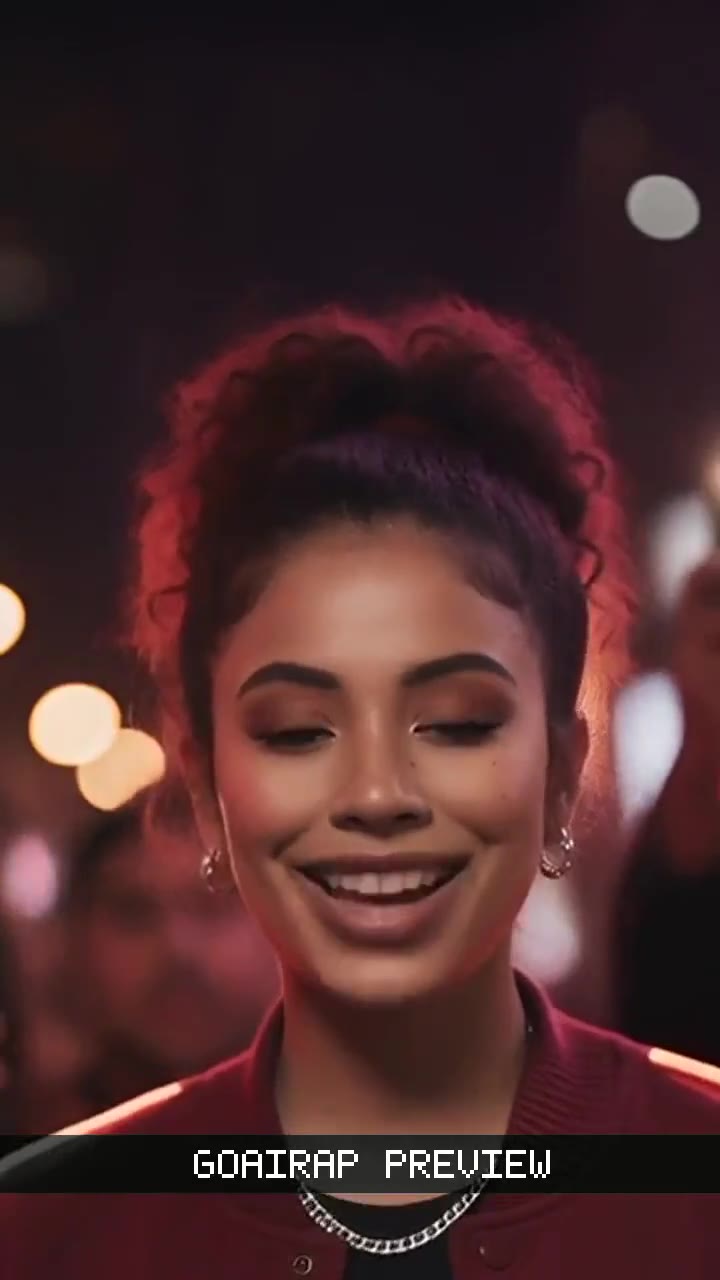 YOUR PHOTO
Upload one photo
A clear, front-facing adult selfie. JPG, PNG or WebP up to 2 MB. On a laptop, scan the QR to send it from your phone.
Pick a stage and the bars
Choose a solo stage, then let the AI write a short verse from one line, or upload a vocal you own for the face to lip-sync.
Watch, then keep it
A watermarked preview comes first. Unlock the clean 9:16 MP4 with credits (100 a clip, shown before you generate).
- Upload your photo
Face here, eyes sharpWhich photo turns into the best rap video?
The face in your photo is what raps, so the clip can only be as clear as the picture. Thirty seconds choosing the right one saves a redo.
Works well
- One adult, face toward the camera
- Head and shoulders, face filling about a third of the frame
- Even light, sharp eyes, mouth fully visible
- Your own photo, or one the person said yes to
Skip these
- Anyone under 18, or a public figure
- Group shots (use a duo stage for two people)
- Sunglasses, masks or a hand over the mouth
- Side profiles, heavy filters or tiny faces
Photo to rap video FAQ
What kind of photo works for a photo to rap video?
One clear, front-facing portrait of an adult: head and shoulders, even light, eyes sharp and mouth fully visible. JPG, PNG or WebP up to 2 MB. Group shots, covered faces, side profiles and very small faces do not animate well, and photos of children or public figures are not accepted.
Does the face in my photo actually lip-sync?
Yes. The face from your photo is animated to the verse. Either the AI writes and performs a short verse over a demo beat, or you upload a 15–30 second vocal you have rights to and the face follows that audio. Hooks and mid-tempo bars hold up best; likeness and timing can vary.
Can I turn a photo of a friend into a rap video?
Only if your friend is an adult and agreed to appear. You confirm this when you generate, whatever you plan to do with the clip. No minors, no public figures, no one else’s face without permission.
What video do I get from my photo?
A vertical MP4, about 15 seconds, 9:16, 720p, ready for TikTok, Reels or Shorts. You see a watermarked preview first; once unlocked with purchased credits the file has no watermark. Label it as AI-generated where the platform or local rules require.
How much does it cost to turn a photo into a rap video?
One standard clip uses 100 credits, and the number is shown again before you generate. Credit packs are one-time purchases on goairap.com, starting at $9.90. Failed renders return their credits automatically.
Can I use two photos instead of one?
Yes. Pick the duo stage and add one photo per performer; the solo stages take a single selfie. Each person must be a consenting adult.
Want duo stages, trap and drill styles, or the full template list? See the GoAIRap AI rap video generator.
Your photo is one tap from a rap clip.
Upload it, hear the preview, then decide.